

Some times you may need to copy a script or textfile from your mgmt desktop to a vmware mgmt vm. In my case, this happened during VCF install and configuring the CloudBuilder VM. This is a linux vm and is used for the preparation of VCF for importing the excel file with all the info before deployng VCF.
I needed the json file for the VSAN HCL defined with patch in the CloudBuilder VM, so either use a tool like winscp or you can do like this:
- log in with ssh/putty to where you need the file.
- use a text editor like VI
- in my case i needed a file called “all.json”

- Open the file on your desktop with a tool like Notepad++
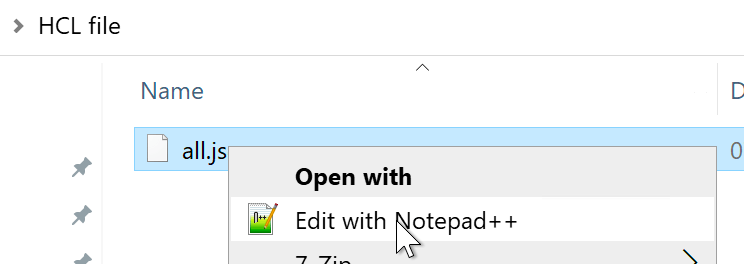
- copy all the text/code from file on your desktop.
- In your SSH putty session to a server, create a new file with VI, “vi all.json”
- write the letter I for insert
- paste the info directly into your SSH session , adding it to your new file.
- you can do paste/insert with a right-click in the putty session
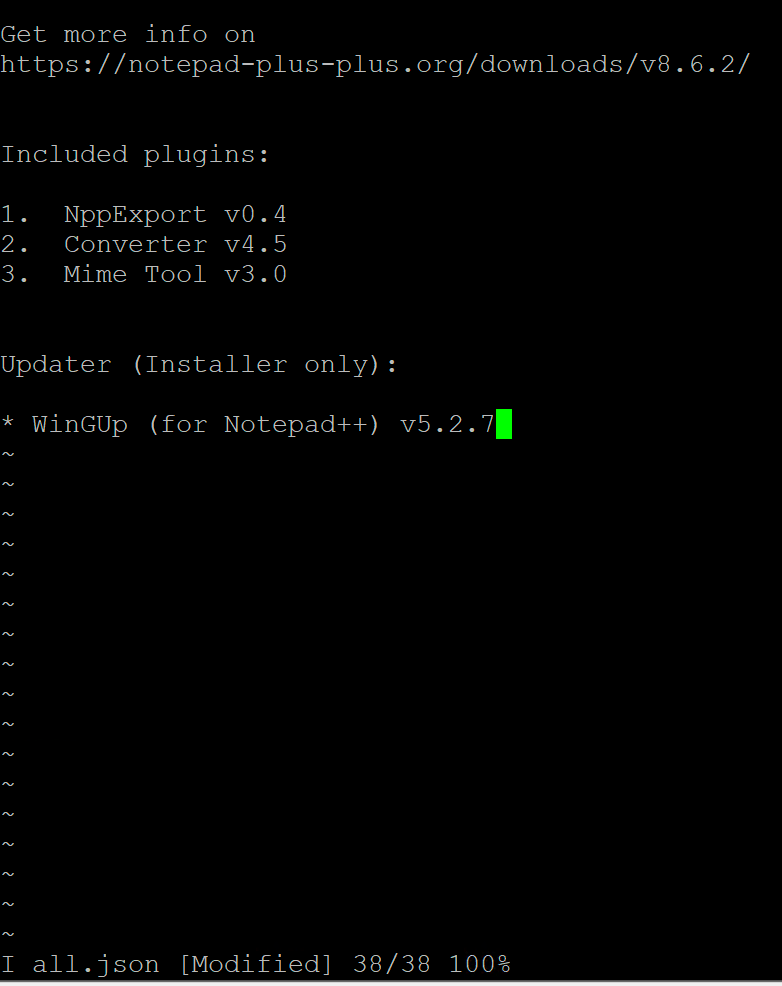
The example text is copied, save with esc, write letters :wq and enter. If you are not familiar with VI, this means w for write and q for quit
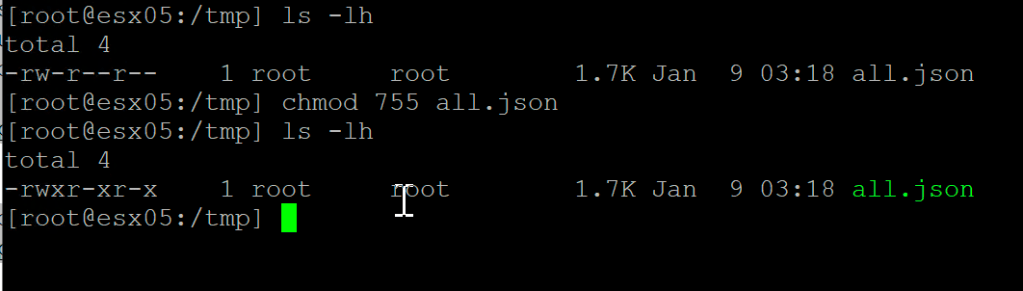
If you need to change permissions on your new file use chmod 755 all.json
I did a ls -lh to see permissions on the file. After chmod i now have read/write/execute on the file.
 Bervid.net
Leave a comment