
When deploying a VCF installation with VLC Holodeck you need to deploy the Aria software, that means Aria Lifecycle manager, Aria Identity manager and Aria Automation. We have a few others as well, but will be covered in another post.
Just one tip:
Check if your console-vm that you run the installer from can reach the Aria networks, AVN. They are called Region-A with subnet 10.50.0.0/24 and X-Region with subnet 10.60.0.0/24.
My experience was that i was missing some routing on my console vm, so the installer could not reach the LCM during the install, and failed.
So, try ping to 10.60.0.1 which is the X-Region gateway. If this works, no problem, but if not:
do a “route print” in CMD on your console vm to check your routes.
Then in cmd, write:
- “route add 10.50.0.0 mask 255.255.255.0 10.0.0.221”
- and
- “route add 10.60.0.0 mask 255.255.255.0 10.0.0.221”
- this will give you a OK if it works.
This creates routing info between the AVN`s and your console and reports it to your GW 10.0.0.221.
There are several ways to deploy Aria, but i think the easiest would be to use the Aria easy installer( at least in a Holodeck), an ISO file with all three products included.
In the latest version this is called:
VMware-Aria-Automation-Lifecycle-Installer-23508932.iso
It`s a 22GB iso file and you run it by mounting it in your OS, (doubleclick in windows), browsing to:
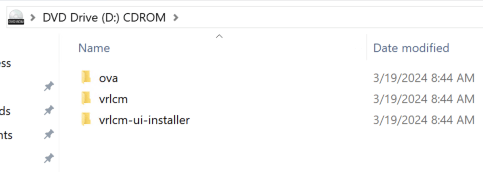
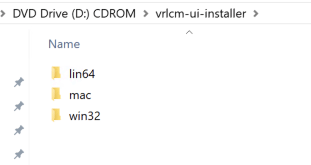
choose the win32 folder.
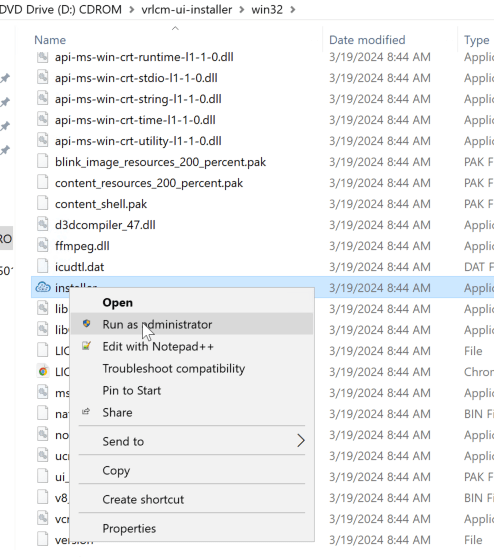
Choose the installer application file.
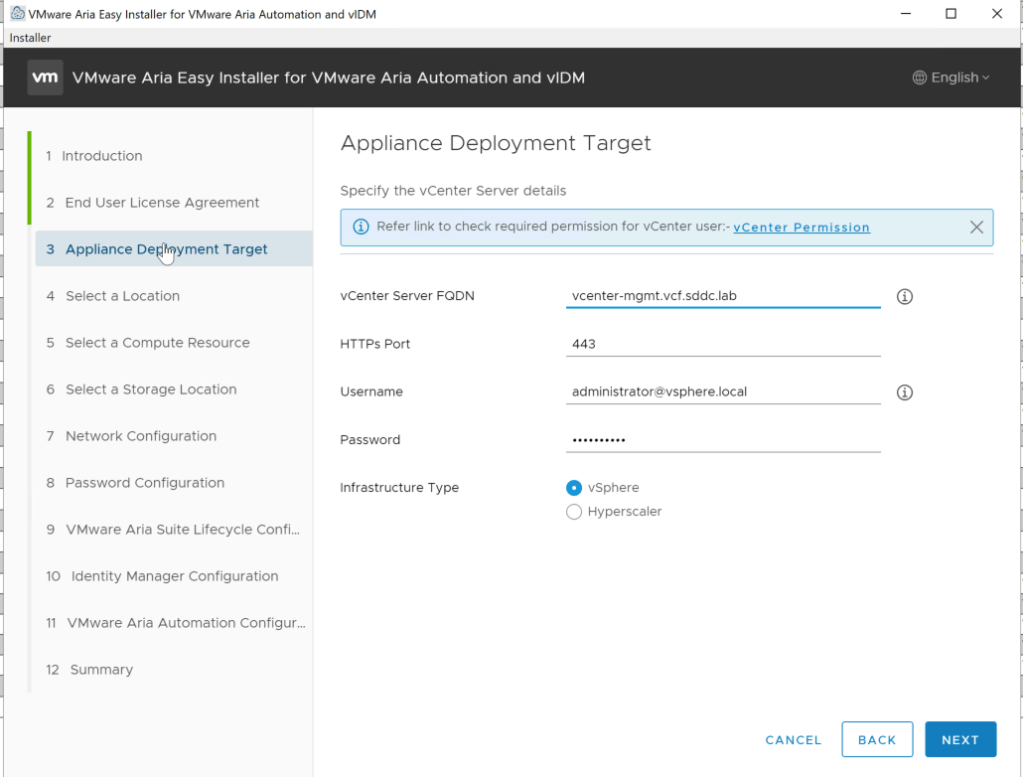
Going past Introduction and EULA, you are defining the vCenter that the Aria product will communicate with and use as a resource.
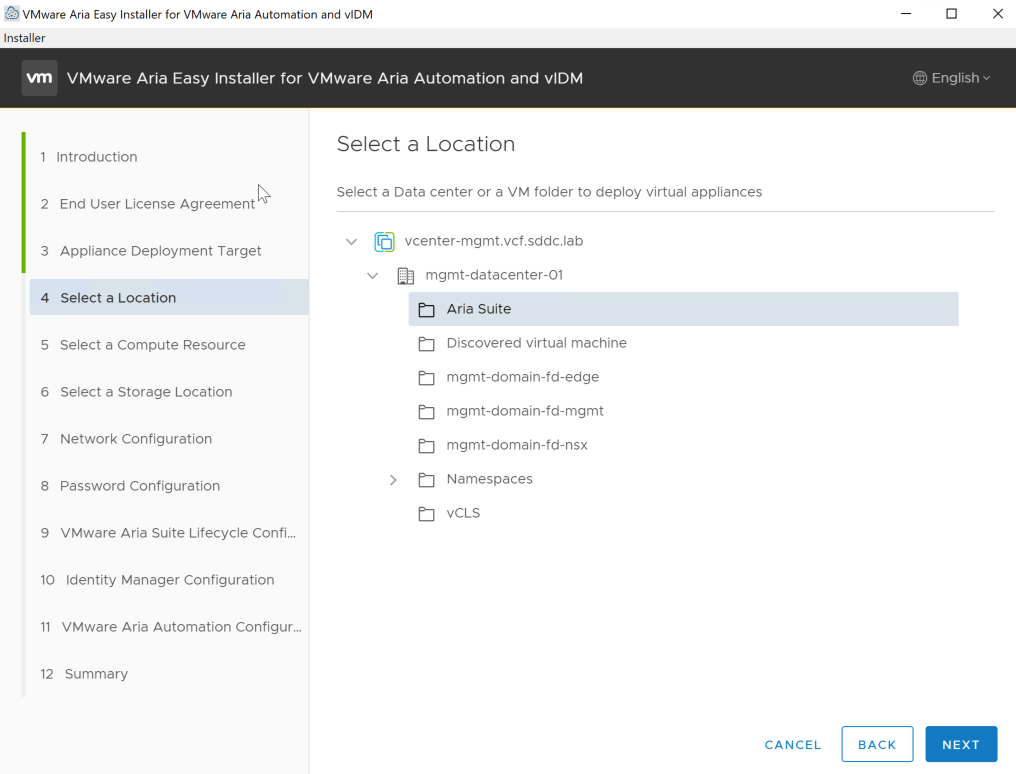
Next was selecting a location for the vms in vcenter, so i created a vm folder in vCenter called Aria Suite, and chose this in the wizard.
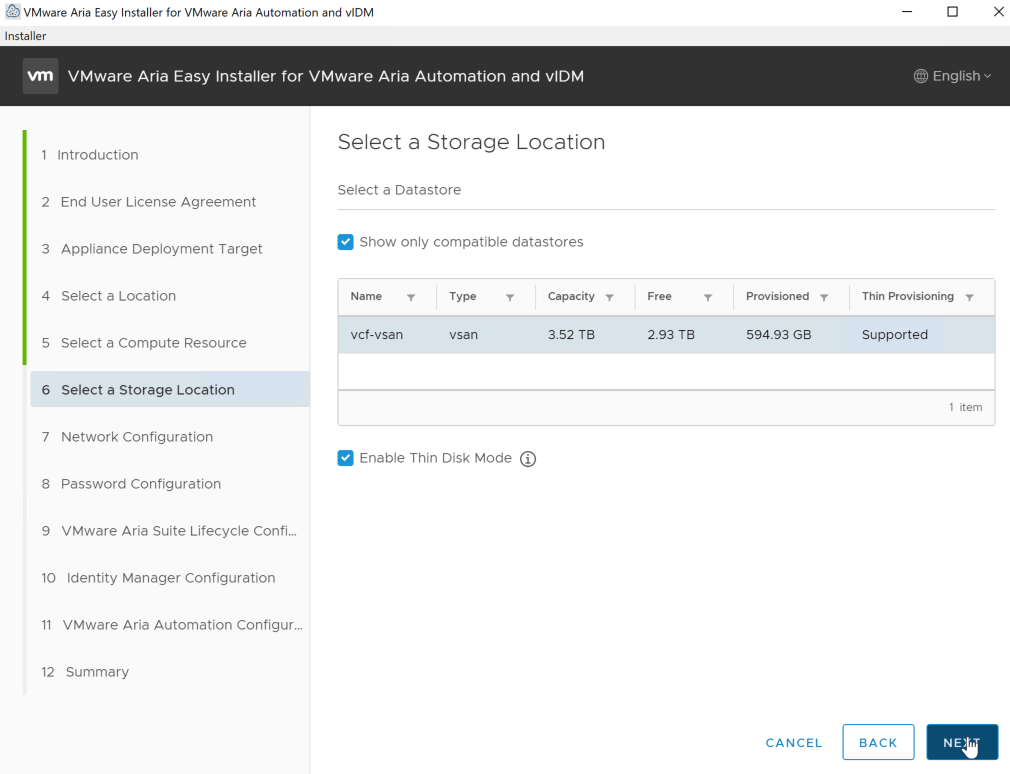
Next is choosing the compute resource , so i chose my mgmt cluster, and for storage my vsan.
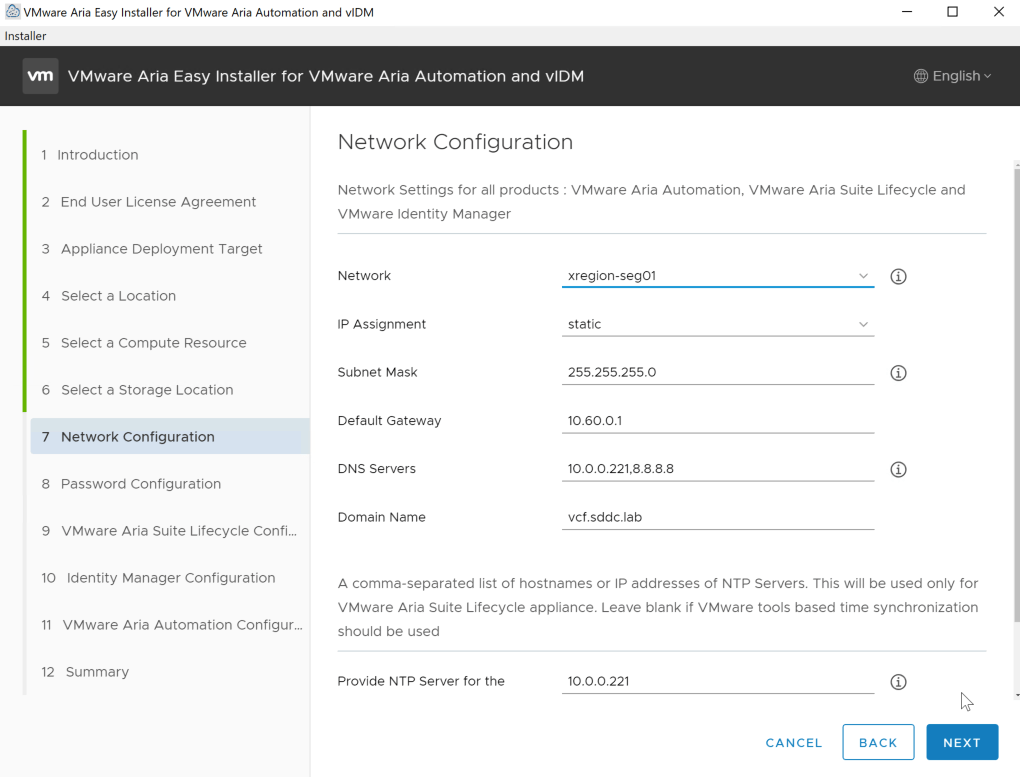
Here we choose the network segment/portgroup for Aria, and in my case i let VCF/ Holodeck create two networks (AVN) for this.
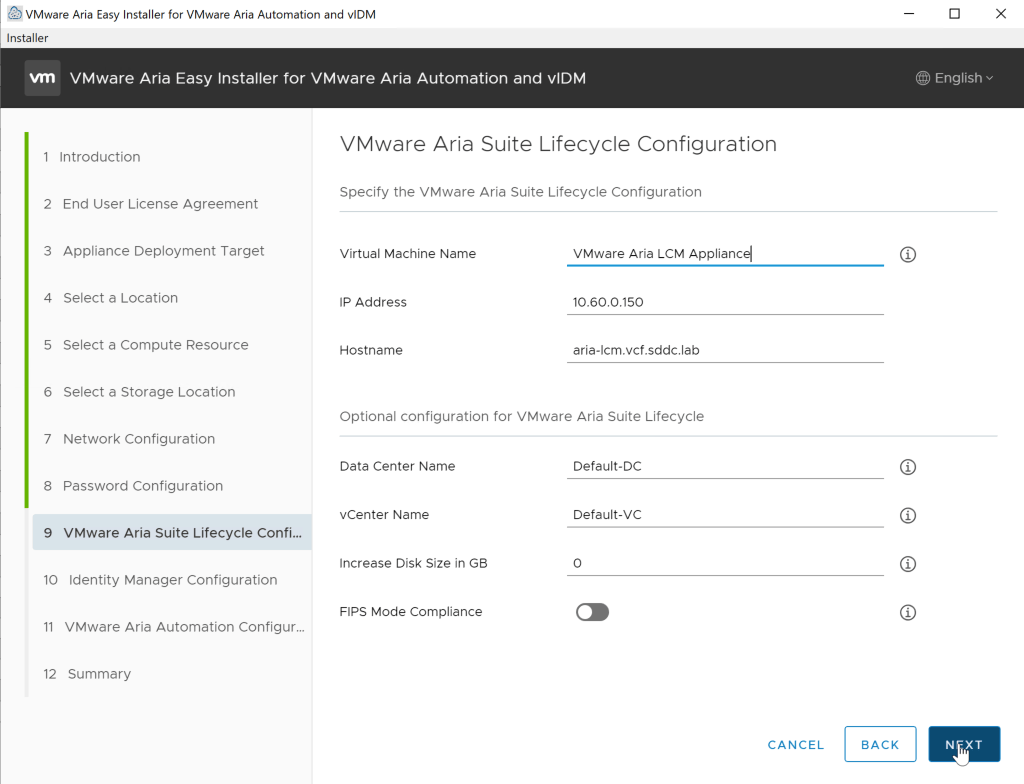
Add name and IP for your LCM
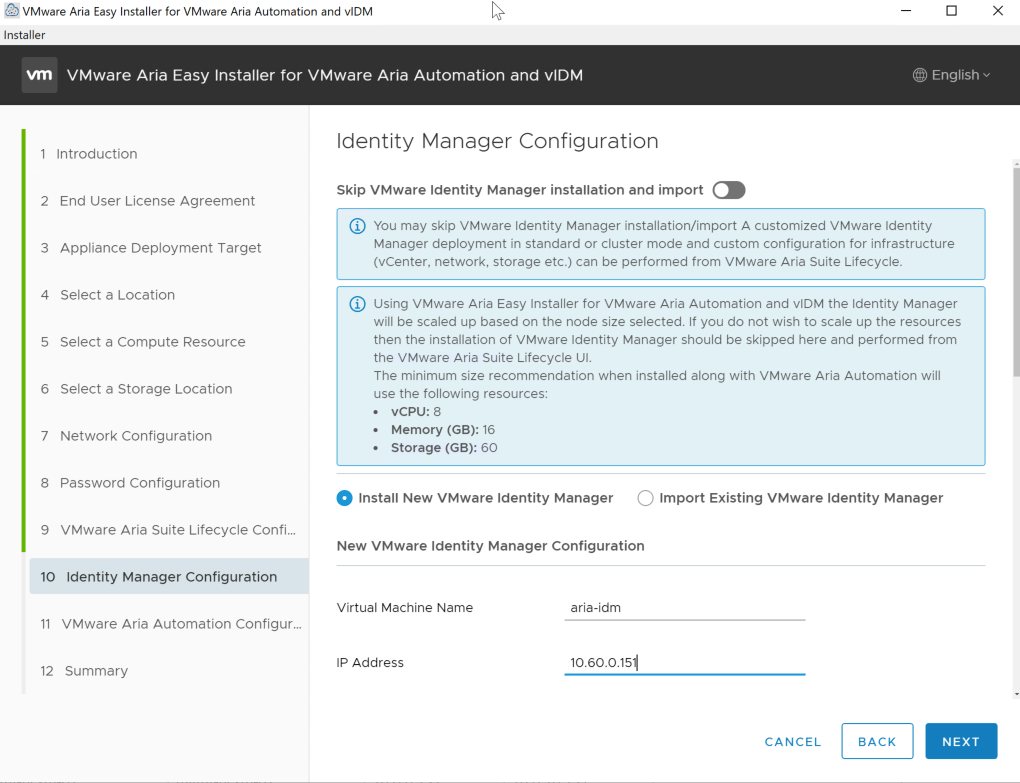
Add name and IP for your IDM
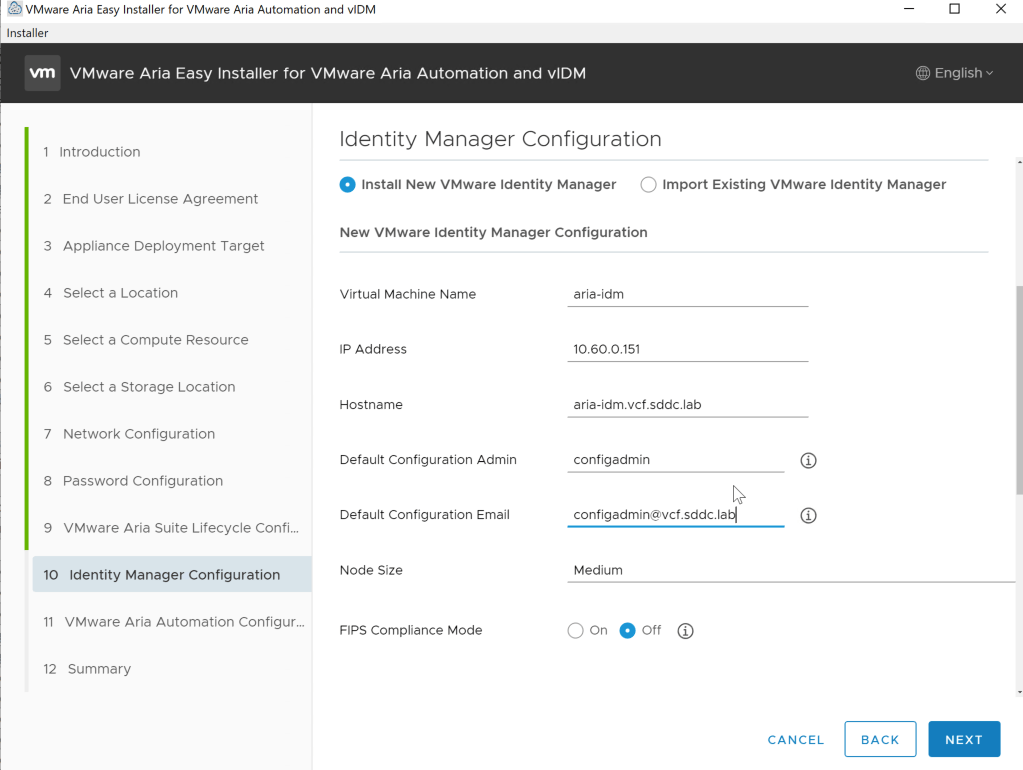
Here you define your default user configadmin in IDM and node size. I will not choose FIPS, there is enough troubleshooting within Holodeck.
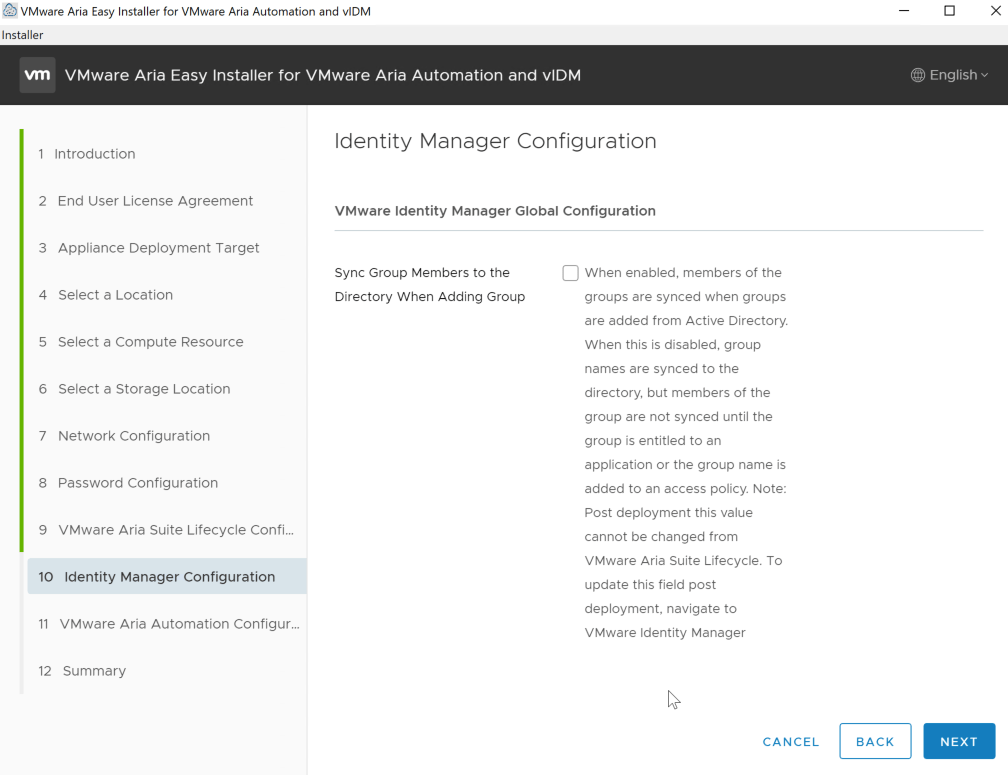
Automatic sync of users
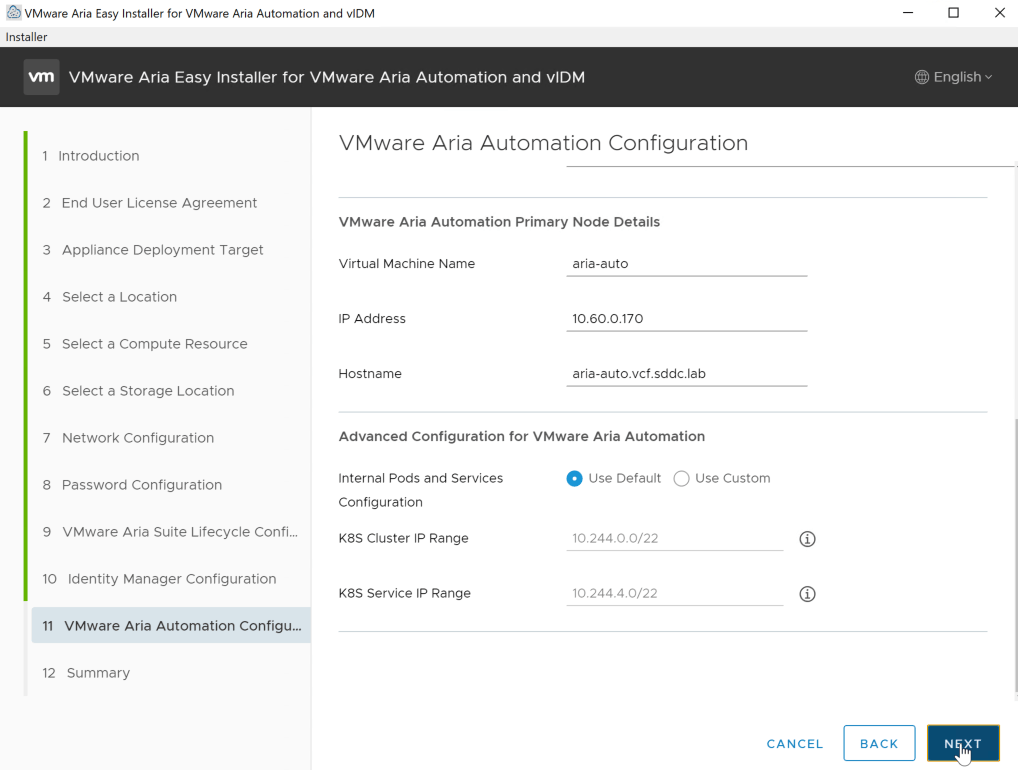
Add name and IP for your Aria Automation vm. This will also give you the default range for the K8s pod within Aria.
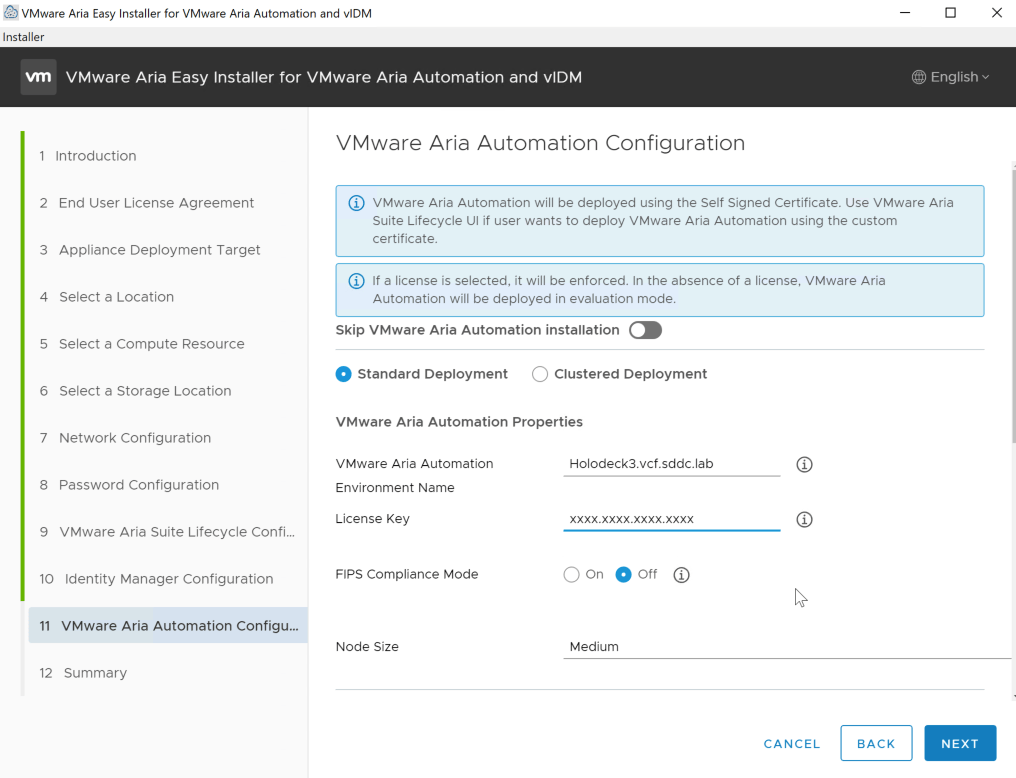
Environment name and license, FIPS and node size.
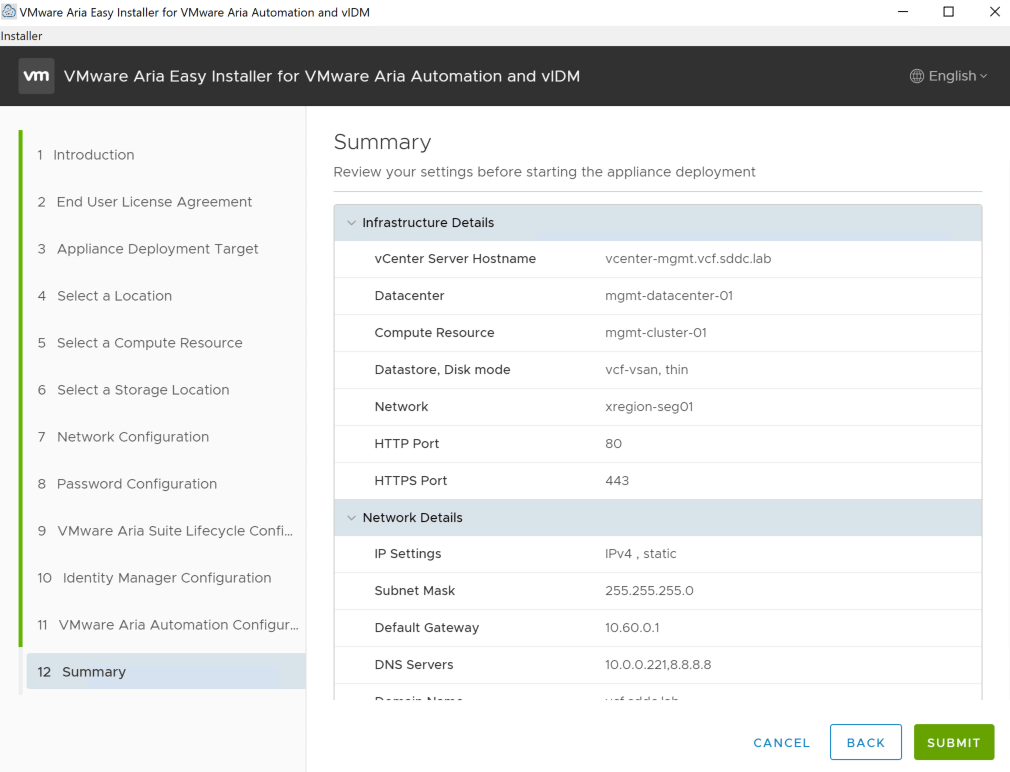
Summary, verification and submit.
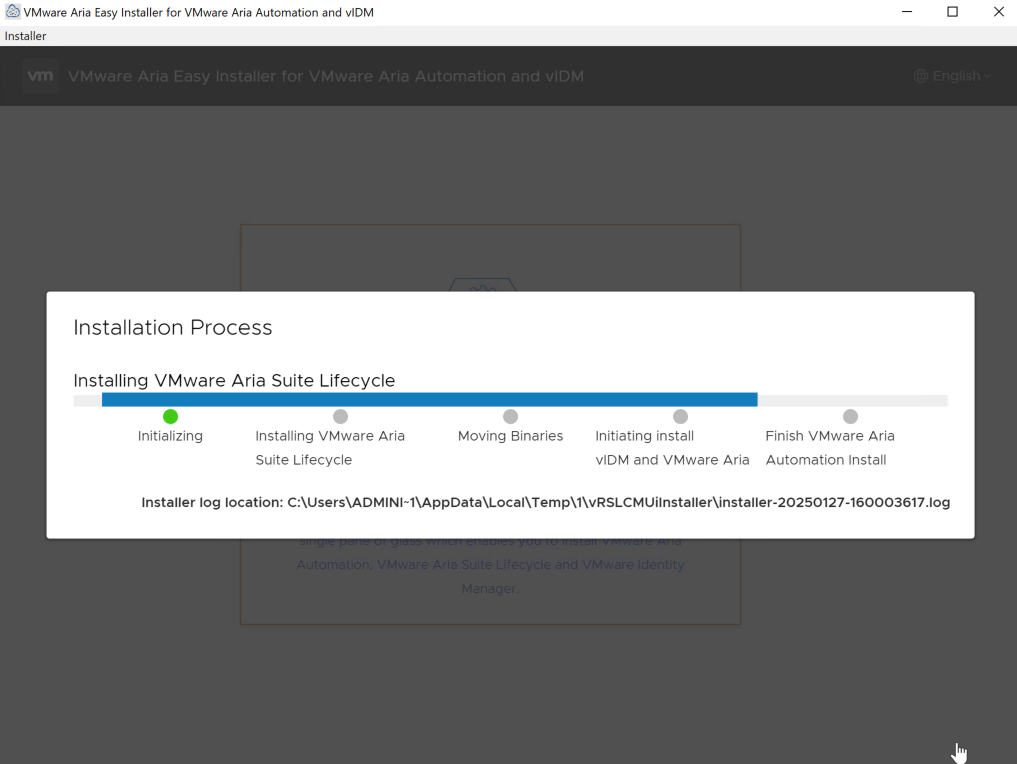
This will go on for a while, approximately an hour or so.
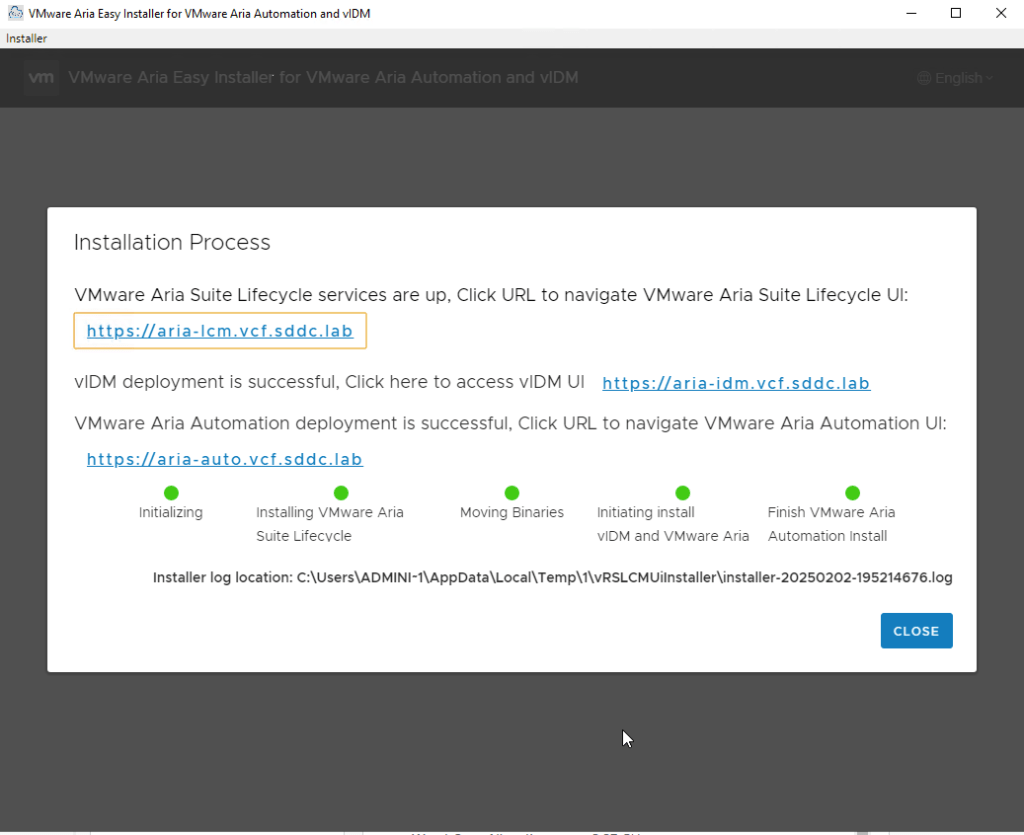
This will eventually give you installation OK, and you are ready to start your Aria experience.
 Bervid.net
Leave a comment