
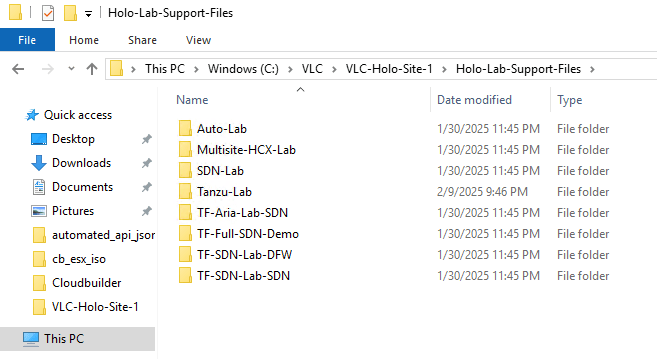
Looking at the supportfiles for testing in your VCF-lab, we need some support vms, and the source iso is not included in the files.
You can download the Ubuntu here:
$src = “https://cloud-images.ubuntu.com/releases/bionic/release/ubuntu-18.04-server-cloudimg-amd64.ova”
$ova = “ubuntu-18.04-server-cloudimg-amd64.ova”
rename to:bionic-server-cloudimg-amd64.ova
then put it here in your holo-console vm:
c:\users\administrator\downloads\bionic-server-cloudimg-amd64.ova
Now you are ready to open the Auto-Lab and run the scripts.
To my surprise there where some errors in one of the scripts, the VMBuild.ps
look for:
$scripts += Get-ChildItem -Path $scriptsDirectory -Filter "0*.ps1" | Select-Object -ExpandProperty FullName
remove the zero, or the script only show you files starting 0 end end with .ps
then you get a menu for installing the support files/vm.
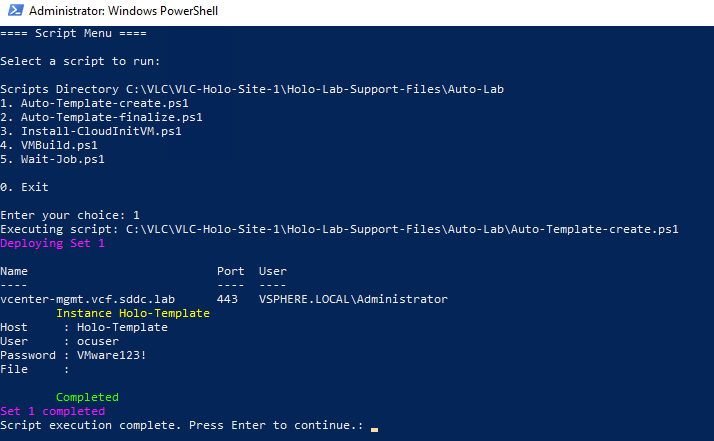
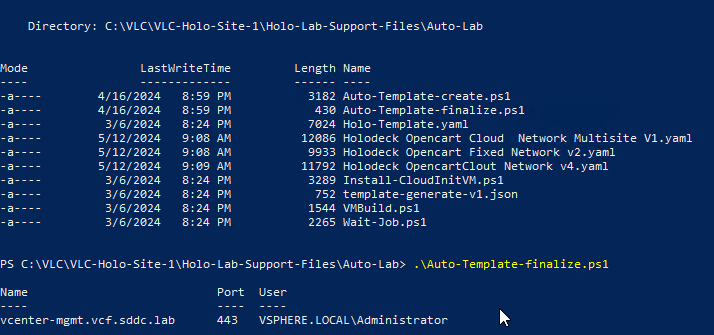
you start at nr.1 and work your way down, and doing this you will get a Holo-Template vm in your vcenter directory.
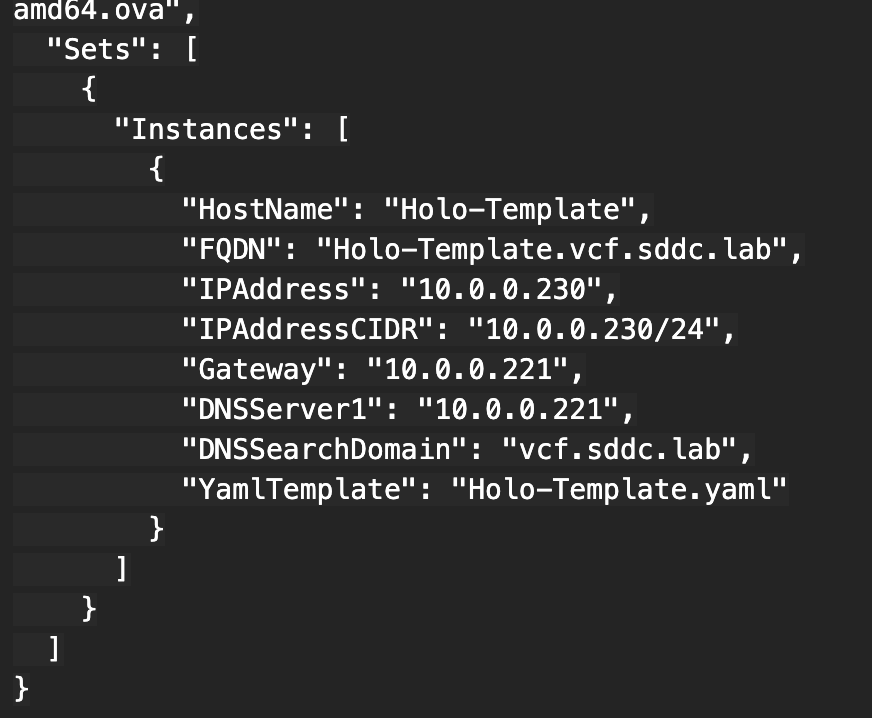
I also found that the json file: template-generate-v1.json had a typo in the section where it defines and cidr. you need to correct this to cidr 230 , the same as the IP.( it says 236 in the cidr)
 Bervid.net
Leave a comment