
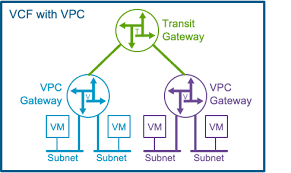
Ok, the VPC and Supervisor was up and running, but when trying to reach the supervisor API server, it was highly unpredictable. Trying to reach the portal i reached it 6 out of 10 times. Something was wrong and i needed a stable portal to be able to setup the endpoint with VCF-CLI.
After troubleshooting ip, DNS, TLS it became clear that this was a routing issue.
The problem:
I observed that access to the Supervisor API (10.31.x.x:443) was flapping:
- sometimes it worked
- other times it hung, and I could see SYN retransmissions with no response
I started packet capture on my pfSense monitoring from my mgmt subnet interface under capture options, and under filter options a chose Ip for my supervisor api, TCP protocol and port 443, and started curl from powershell who tried to reach the api server. This was the basis for the packet capture.
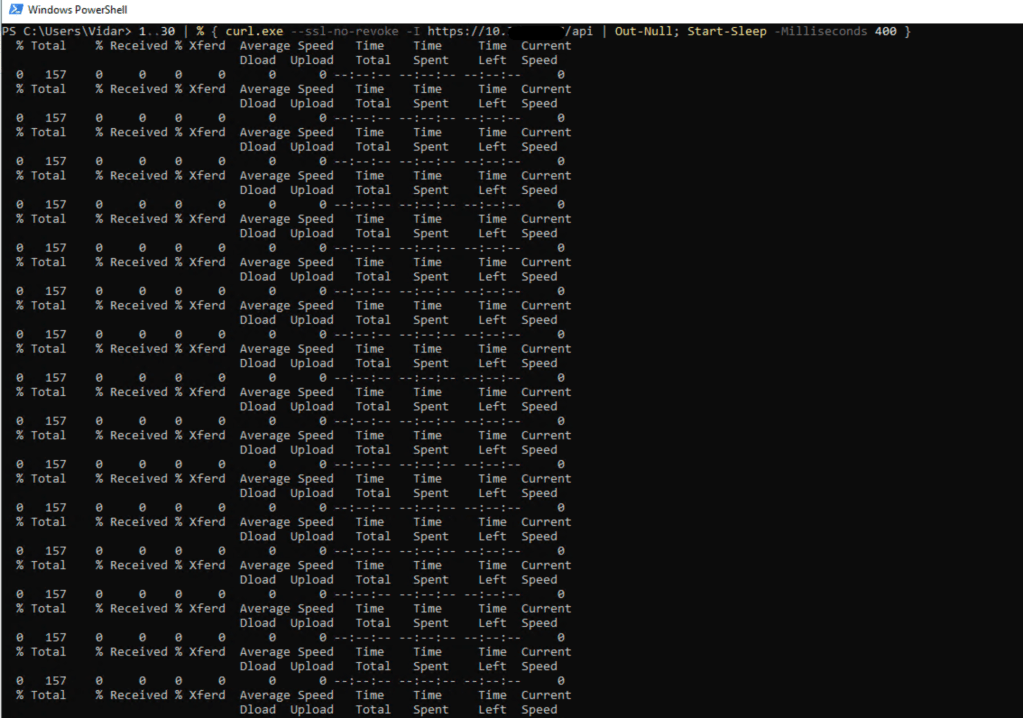
PS C:\Users\Vidar> 1..30 | % { curl.exe –ssl-no-revoke -I https://10.x.x.x/api | Out-Null; Start-Sleep -Milliseconds 400 }
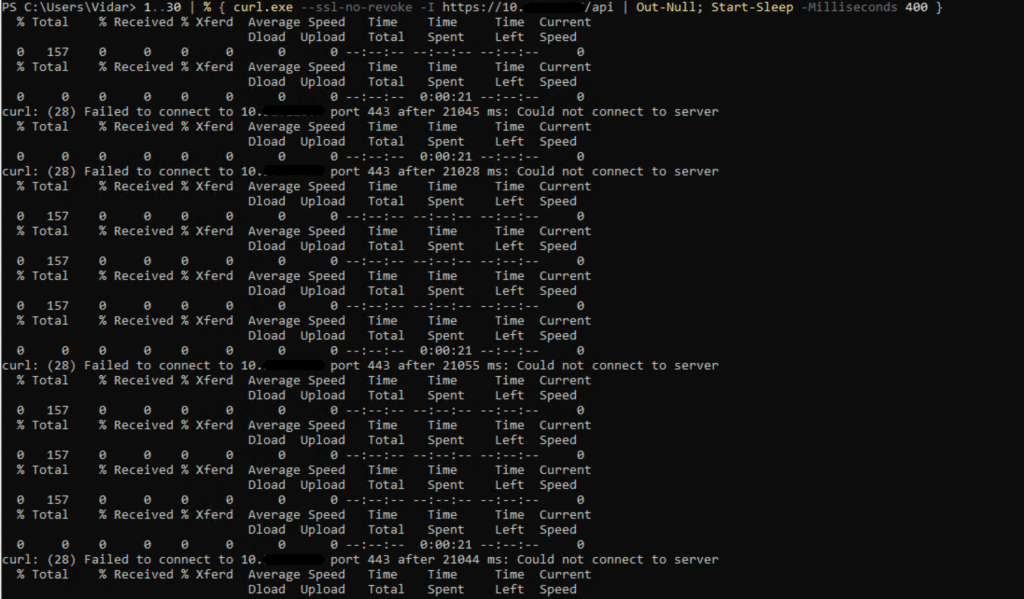
Wireshark showed exactly what was happening:
- the client on mgmt subnet(10.0.x.x) sent a SYN
- but did not receive a SYN/ACK back after several attempts
- then suddenly it would work again on a new connection
Why it happened:
On the NSX Tier-0 (T0), there was no specific route for the management network:
Mgmt CIDR → pfSense
Because of that, when T0 needed to send return traffic back to my client on the mgmt subnet, it had to rely on the default route.
The issue was that T0 had two default routes at the same time, with equal preference:
- 0.0.0.0/0 → uplink toward pfSense
- 0.0.0.0/0 → 169.254.2.3 (automatically injected from the Transit Gateway / VPC)
When two default routes have the same preference, NSX will often use ECMP or per-flow hashing:
- some flows returned through 10.0.x.x(uplink toward pfSense) and worked correctly
- some flows returned through 169.254.2.3, which was the wrong path for management traffic
- as a result, the SYN/ACK never made it back to the client
That is why the behavior appeared random.
What fixed it:
The fix was to add a specific route on T0:
Mgmt CIDR → Uplink to pfSense
You do this the same place you configure default route on your T0, so in my case i configured a new static route from my mgmt subnet cidr with a next hop to my pfsense.
This forces a longest-prefix match:
- traffic destined for mgmt subnet will always use the /24 route
- it will never use either of the default routes
Once that route was added, the flapping disappeared.
Where did the “unknown” default route come from?
I did not manually configure 0.0.0.0/0 → 169.254.2.3.
It was automatically learned from the Transit Gateway (TGW) associated with the NSX VPC/Project setup.
That route is intended for VPC/TGW functionality, but it indirectly affected this setup because there was no specific route for the management network.
What dynamic routing (BGP/OSPF) would have done:
If BGP or OSPF had been configured between pfSense and T0, pfSense could have advertised internal networks such as the mgmt cidr.
In that case, T0 would automatically have learned a specific route for the management network, and no manual static route would have been needed.
The key point is:
it is not OSPF or BGP by themselves that solve the issue —
the real fix is that T0 must have specific routes for internal networks so that the default route is not used.
The flapping happened because T0 had no route for the management network and therefore load-balanced return traffic across two default /0 routes. By adding a specific /24 route — or learning it dynamically through BGP/OSPF — the return path became stable.
 Bervid.net
Leave a comment